Rillfall Fours
by ZokoGames Studio
Play nowStarts in your browserNo download needed
Rillfall Fours
Four in a row on an upright grid: drop your discs, line up four across, up or diagonally, against a five-level computer or a friend on one device.
- Works on phone
- Saves progress
- Released
- Version 1
- Works on
- Browser (desktop, mobile, tablet)
Rillfall Fours game guide
How to play Rillfall Fours
- Keyboard and mouse
- Touch
- Choose New game, then the grid, your opponent (the computer or a second player), your colour and the computer's level.
- Tap or click a column to drop your disc into it.
- Take turns until someone lines up four or the grid is full.
Controls
- Mouse / touch: tap or click anywhere in a column; tap a move in the move list to look back at that position
- Keyboard: Left and Right choose a column, Enter, Space or Down drops the disc, number keys drop straight into that column, U undo, R redo, H hint, Home / End and Page Up / Page Down step through the moves
- Buttons: Undo, Redo, Hint, More (resign, move list, new game, high contrast, rules) and the move replay ←↑↓→ below the grid
- P / ESC: pause, M: mute
Rillfall Fours tips and strategy
- Start in the middle. The centre column takes part in more lines of four than any other, so open there and keep it.
- Check before every move. Look for any space where your opponent would complete four next turn, and block it. The game also warns screen-reader players of this.
- Mind the space above. Do not drop a disc directly under a space your opponent needs, because you would let them play there.
- Build two threats at once. Your opponent can block only one of them, and one threat above another is especially hard to stop.
- Count the columns. A threat with empty spaces beneath it waits for the column to fill. Work out which player will be forced to play under it.
- Use Hint and Undo. The hint shows the computer's suggestion, and Undo takes back your move and the reply, so you can see why a move failed.
- Even out going first. Amber always drops first and that is an advantage on the classic grid. Choose Teal against the computer for a harder game, or Random to take turns.
About Rillfall Fours
Rillfall Fours is the classic drop-and-connect game on its own river-stone grid. Take turns dropping discs into the columns; each disc falls to the lowest free space. Play the computer at one of five levels or a friend on the same device, on the classic 7x6 grid or the wide 9x7 grid.
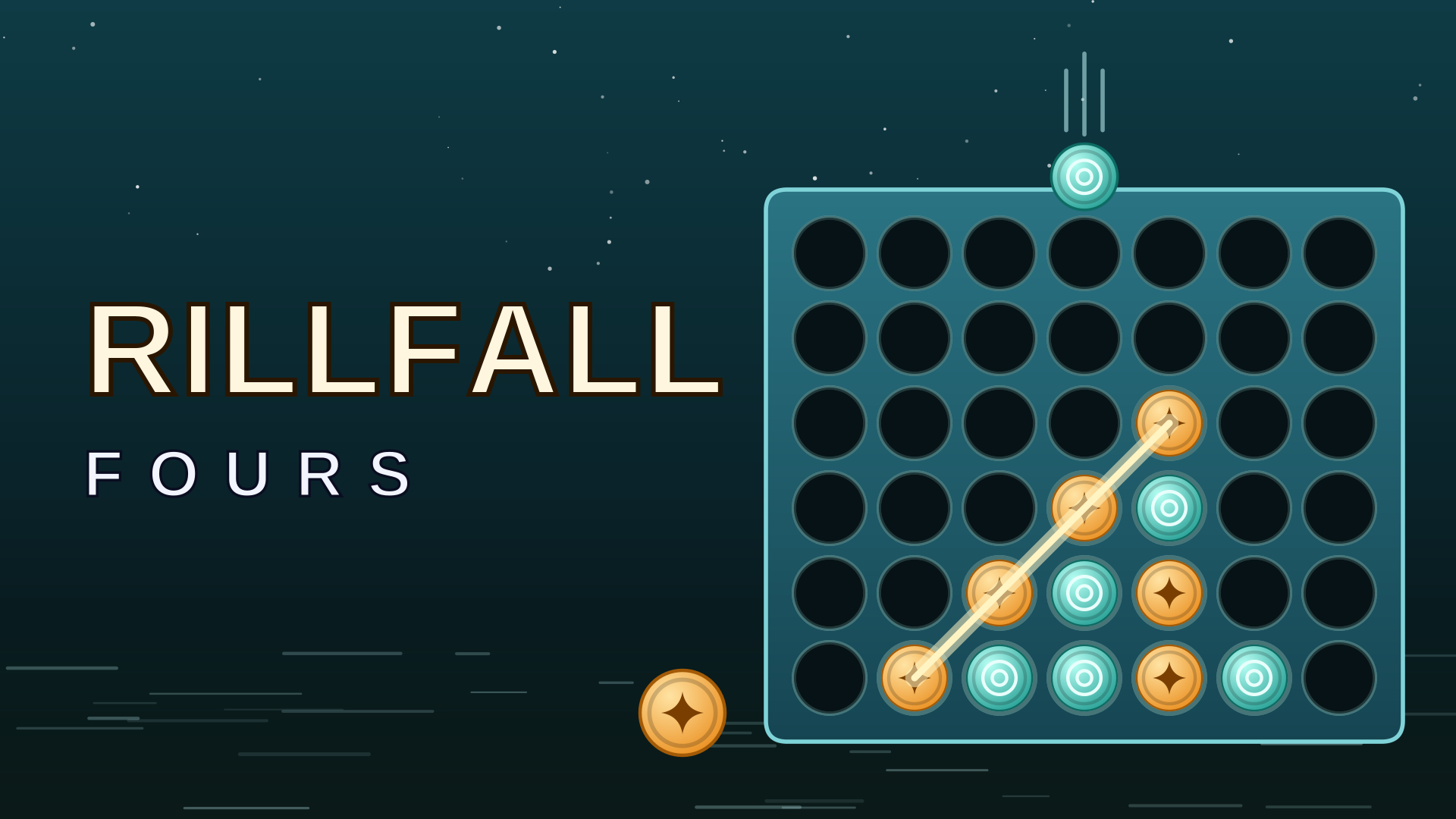
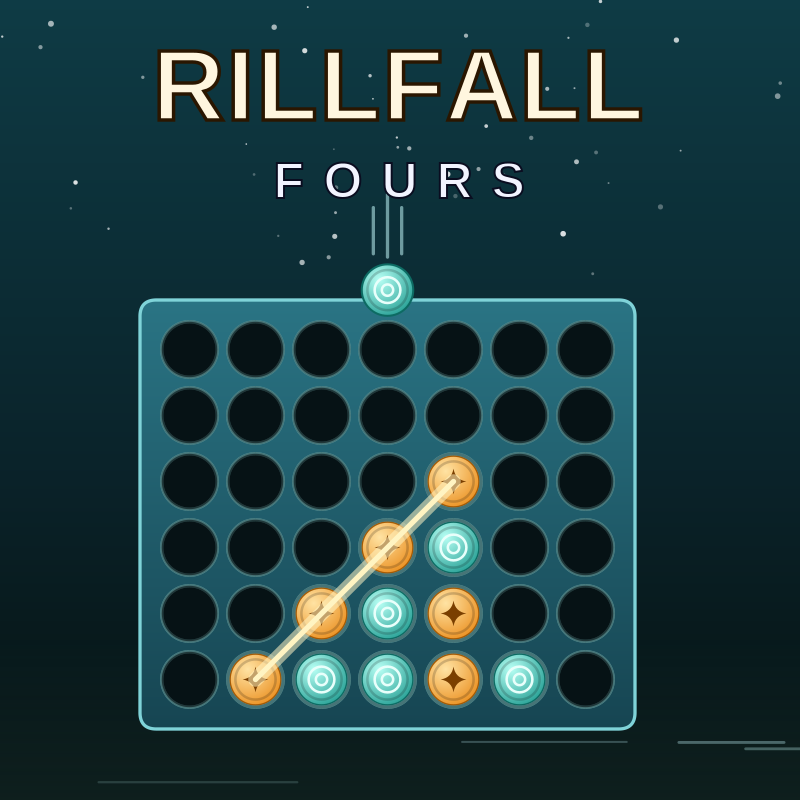
Discs fall with a little bounce, the column you are aiming at is lit, and a winning line is traced across the grid. A full grid with no line of four is a draw.
The rules
- Amber drops first, then the players alternate, one disc per turn.
- Choose any column that is not full. The disc drops to the lowest empty space in it.
- The first player with four of their discs in an unbroken line, across, up and down or diagonally, wins.
- If every space is filled and nobody has four in a row, the game is a draw.
The computer
Five levels, from Beginner, which looks only a move or two ahead and often misses a threat, through Casual, Club and Strong to Expert, which searches deep enough to spot long forced wins and never walks into a loss it can see. Each level was checked against the one below it in computer-against-computer games. Your record (played, won, drawn, lost and winning streak) is kept for each grid and level, and a game in progress is saved.
Tips and strategy
- Start in the middle: the centre column takes part in more lines of four than any other.
- Before every move, check whether your opponent can complete four next turn, and block it.
- Do not drop a disc directly under a space your opponent needs: you would let them play there.
- Build two threats at once. Your opponent can only block one of them.
- A threat with empty spaces beneath it waits for the column to fill. Count which player will be forced to play under it.
- Use Hint to see the computer's suggestion, and Undo to take back your move and the reply.
Details
- Technology
- HTML5
- Orientation
- Landscape or portrait
- Languages
- English
- Features
- Saves progress · Works on iPhone and iPad
- Controls
- Enter
- Space
- ←
- ↑
- ↓
- →
- ESC
Rillfall Fours features
- Two grids. The classic 7x6 grid and the wide 9x7 grid, where there is more room to build threats.
- Five computer levels. Beginner and Casual make deliberate mistakes, Club plays solidly, and Strong and Expert search deeply. Expert never walks into a loss it can see and takes every forced win it finds. Each level was checked against the one below it. The computer thinks in the background, so the game stays smooth.
- Two players on one device. Share a phone or screen, or pick Amber, Teal or Random against the computer.
- Clear to read. Discs fall with a little bounce, the column you aim at is lit and the winning line is traced across the grid.
- Undo, redo and hints. Undo takes back your move and the reply, and Hint shows the computer's suggestion.
- Move list with replay. Look back at any position and step through the game.
- Plays with any input. Tap or click a column, use the arrow keys, or press a number key to drop straight into that column. Moves and results are read out, with a warning when your opponent can win next turn.
- A shape on every colour. Amber discs carry a star and teal discs two rings, and there is a high-contrast mode.
- Saved games and records. A game in progress is saved, and your record is kept for each grid and level.
- Works offline. Save it for offline play once it has loaded.
Questions about Rillfall Fours
Who goes first, and does it matter?
Amber always drops first. Going first is an advantage on the classic 7x6 grid, especially when you start in the centre column, so you can pick Teal against the computer for a tougher game or Random to take turns.
What is the difference between the two grids?
Classic is 7 columns by 6 rows. Wide is 9 columns by 7 rows: there is more room to build threats and games last longer. Four in a row wins on both.
When is the game a draw?
When all the spaces are filled and neither player has four in a row.
How strong is the computer?
There are five levels. Beginner and Casual make mistakes on purpose and sometimes miss a threat, Club plays solidly, and Strong and Expert search deeply. Expert never walks into a loss it can see and takes every forced win it finds.
Is my game saved?
Yes. A game in progress is saved and offered as Continue in the menu. Your settings and your record for each grid and level are saved too, in your ZokoGames account when you are signed in and on this device otherwise.
Can I play with a keyboard or a screen reader, or without telling colours apart?
Yes. Left and Right choose a column and Enter drops a disc. Columns, moves and results are read out, and you are warned when your opponent can win next turn. Amber discs carry a star and teal discs two rings, so they differ by shape as well as colour, and there is a high-contrast mode.
Updates
Version 1Live now
Version 1Live now
Every update passes our automatic build checks before it goes live.
Guide: Four-in-a-row strategy: centre column, threats and odd or even squares
Play on your phone
Point your phone camera at the code to open this game there.