Moonturn Reversi
by ZokoGames Studio
Play nowStarts in your browserNo download needed
Moonturn Reversi
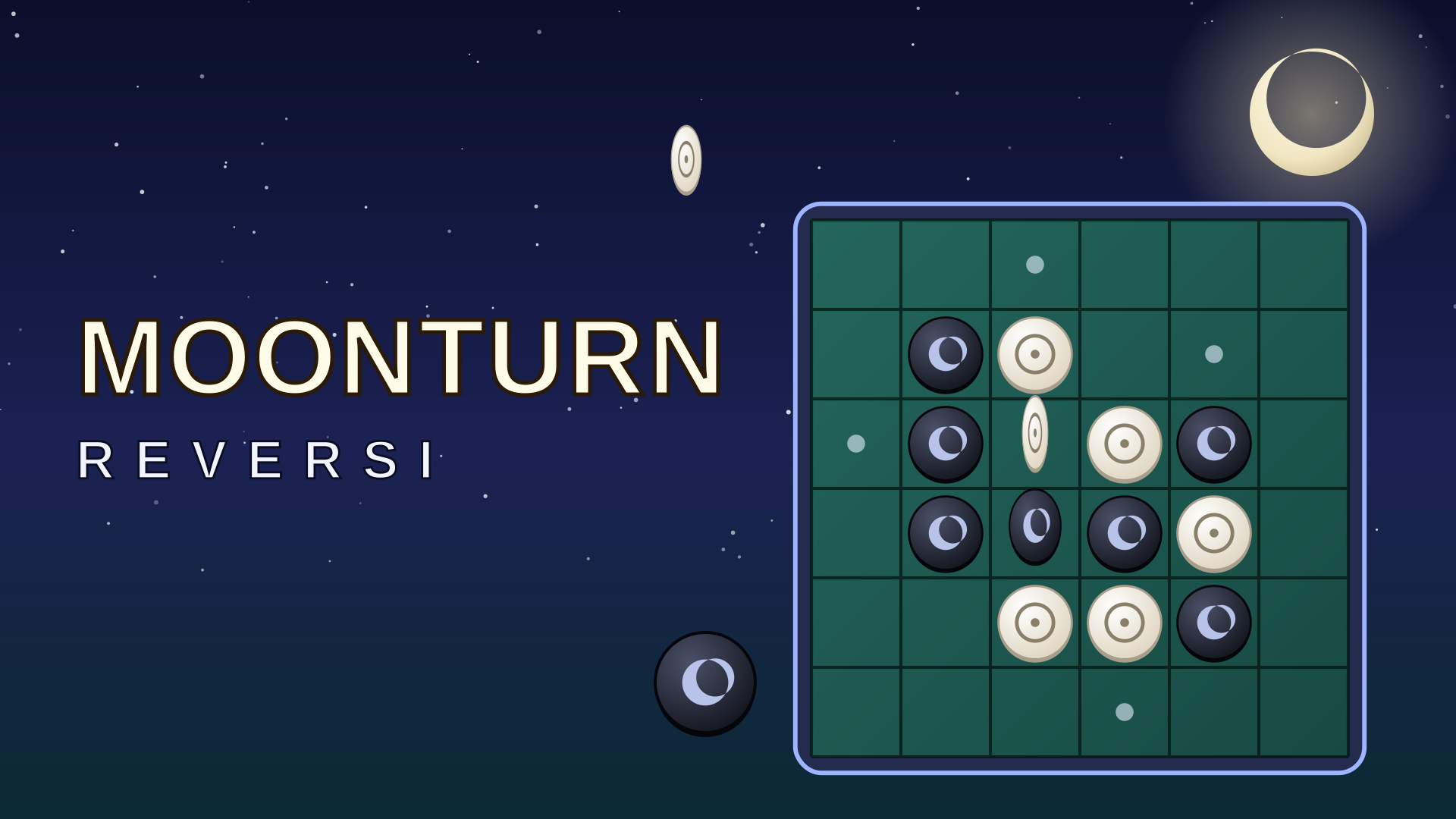
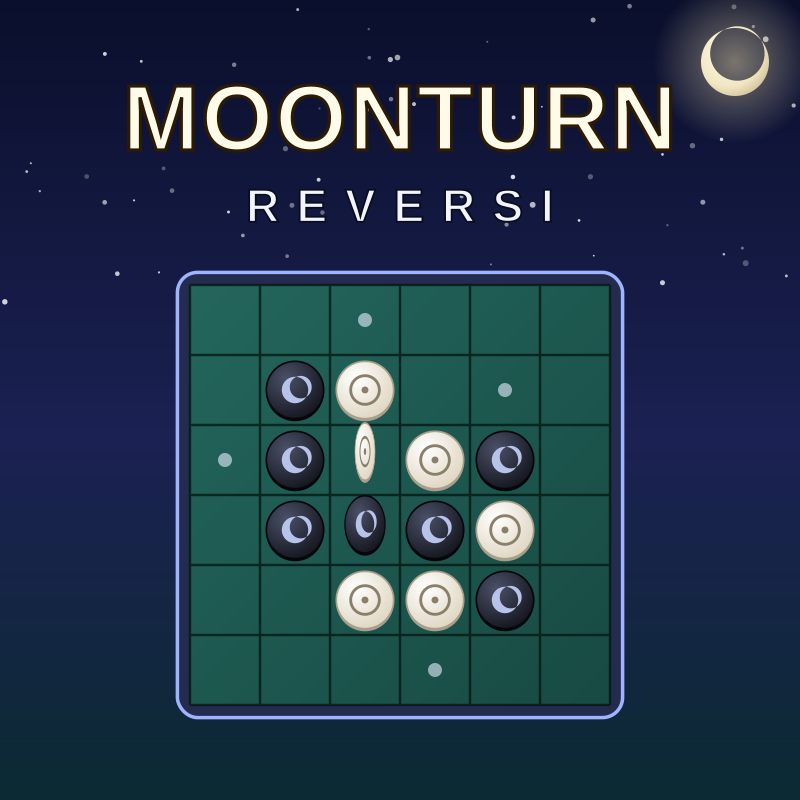
Reversi on a moonlit board: bracket lines of discs to turn them over, on 6x6, 8x8 or 10x10, against a five-level computer or a friend on one device.
- Works on phone
- Saves progress
- Released
- Version 1
- Works on
- Browser (desktop, mobile, tablet)
Moonturn Reversi game guide
How to play Moonturn Reversi
- Keyboard and mouse
- Touch
- Choose New game, then the board size, your opponent (the computer or a second player), your colour and the computer's level.
- Place a disc on one of the squares marked with a dot. The bracketed discs turn over.
- If you have no move, you pass automatically and your opponent moves again.
- Play on until neither side can move. The side with more discs wins.
Controls
- Mouse / touch: tap or click a dotted square; tap a move in the move list to look back at that position
- Keyboard: ←↑↓→ move the cursor, Enter or Space places a disc, U undo, R redo, H hint, Home / End and Page Up / Page Down step through the moves
- Buttons: Undo, Redo, Hint, More (resign, move list, new game, possible-move dots, high contrast, rules) and the move replay ←↑↓→ below the board
- P / ESC: pause, M: mute
Moonturn Reversi tips and strategy
- Take the corners. A corner disc can never be turned back, and it anchors the discs along the edges next to it. Take corners when you can.
- Do not open a corner. The squares diagonally next to an empty corner often hand it to your opponent, so avoid them early.
- Fewer discs early is often better. Keep plenty of moves for yourself and leave your opponent few. A big lead in the first half rarely lasts.
- Build out from your corners. Edge discs next to a corner you own become permanent too, and permanent discs cannot be flipped at the end.
- Count the endgame. Near the end, look at each region of empty squares: the last move in a region is worth having, and a pass can cost you a corner.
- Use Hint and Undo. The hint shows the computer's suggestion, and Undo takes back your move and the reply. Try your own move first, then compare.
- Move up a level. Start on Beginner or Casual to learn the squares, and step up when you win comfortably. On 6x6 the games are quick, so it is a good place to practise.
About Moonturn Reversi
Moonturn Reversi is the classic game of turning discs, played on its own night-sky board. Choose the quick 6x6 board, the standard 8x8 or the long 10x10 game, then play the computer at one of five levels or a friend on the same device.
Every rule is enforced and shown as you play. The squares where you can place a disc are marked with dots, the last move is marked, every turned disc flips over in turn and the disc count of both sides is always on screen.
The rules
- The game starts with four discs in the centre, two of each colour. Dark moves first.
- Place a disc so that one or more straight lines of your opponent's discs, across, up and down or diagonally, lie between it and another disc of yours. Every disc in those lines turns over to your colour.
- A move must turn at least one disc. If you have no such move you pass, and your opponent moves again.
- When neither side can move, usually because the board is full, the game ends and the side with more discs wins. Equal counts are a draw.
The computer
Five levels, from Beginner, which looks only one move ahead and makes deliberate mistakes, through Casual, Club and Strong to Expert, which searches many moves deep and plays the last fourteen empty squares perfectly. Each level was checked against the one below it in computer-against-computer games. The computer thinks in the background, so the board stays smooth while it works. Your record (played, won, drawn, lost, winning streak and best winning margin) is kept for every board size and level, and a game in progress is saved so you can continue later.
Tips and strategy
- Corners can never be turned back. Take them when you can and do not open them for your opponent.
- Avoid the squares diagonally next to an empty corner: they often hand the corner over.
- Early on, fewer discs is often better. Aim to keep many moves for yourself and few for your opponent.
- Discs on the edge next to a corner you own become permanent too, so build out from your corners.
- Near the end, count: the last move in each region of empty squares is worth having.
- Use Hint to see the computer's suggestion, and Undo to take back your move and the reply.
Details
- Technology
- HTML5
- Orientation
- Landscape or portrait
- Languages
- English
- Features
- Saves progress · Works on iPhone and iPad
- Controls
- ←
- ↑
- ↓
- →
- Enter
- Space
- ESC
Moonturn Reversi features
- Three board sizes. A quick 6x6 game, the standard 8x8 and a long 10x10, all with the same rules.
- Five computer levels. Beginner and Casual make deliberate mistakes, Club plays solidly, and Strong and Expert search deeply. Expert plays the last fourteen empty squares perfectly, and each level was checked against the one below it. The computer thinks in the background, so the board stays smooth.
- Two players on one device. Share a phone or screen, or choose your colour against the computer.
- Every rule shown. Dots mark the squares you can play, the last move is marked, flips animate in turn, the disc count is always on screen and passes happen automatically.
- Undo, redo and hints. Undo takes back your move and the reply, and Hint shows the computer's suggestion.
- Move list with replay. Look back at any position and step through the game.
- Plays with any input. Tap, click or use the keyboard. Squares, moves, flipped discs and the count are read out. Dark discs carry a crescent and light discs a ring, and there is a high-contrast mode.
- Saved games and records. A game in progress is saved, and your played, won, drawn and lost games, winning streak and best winning margin are kept for every board size and level.
- Works offline. Save it for offline play once it has loaded.
Questions about Moonturn Reversi
Why can I not place a disc on that square?
A move must turn over at least one of your opponent's discs: the new disc and one of your discs already on the board must bracket an unbroken line of your opponent's discs. The squares where that works are marked with dots.
What happens when I have no move?
You pass and your opponent moves again. The game shows a short message and passes for you. When neither side can move, the game is over and the discs are counted.
Which board size should I choose?
8x8 is the standard game. 6x6 is a quick game of a few minutes, and 10x10 is a longer game with more room along the edges. The rules are the same on every board.
How strong is the computer?
There are five levels. Beginner and Casual make mistakes on purpose, Club plays solidly, and Strong and Expert search deeply. Expert plays the last fourteen empty squares perfectly. In testing each level beat the one below it.
Is my game saved?
Yes. A game in progress is saved and offered as Continue in the menu. Your settings and your record for every board size and level are saved too, in your ZokoGames account when you are signed in and on this device otherwise.
Can I play with a keyboard or a screen reader, or without telling colours apart?
Yes. Arrow keys move a cursor and Enter places a disc. Squares, moves, turned discs and the count are read out. Dark discs carry a crescent and light discs a ring, so they differ by shape as well as colour, and there is a high-contrast mode.
Updates
Version 1Live now
Version 1Live now
Every update passes our automatic build checks before it goes live.
Guide: Reversi strategy: corners, edges, mobility and parity
Play on your phone
Point your phone camera at the code to open this game there.