Driftlace
by ZokoGames Studio
Play nowStarts in your browserNo download needed
Driftlace
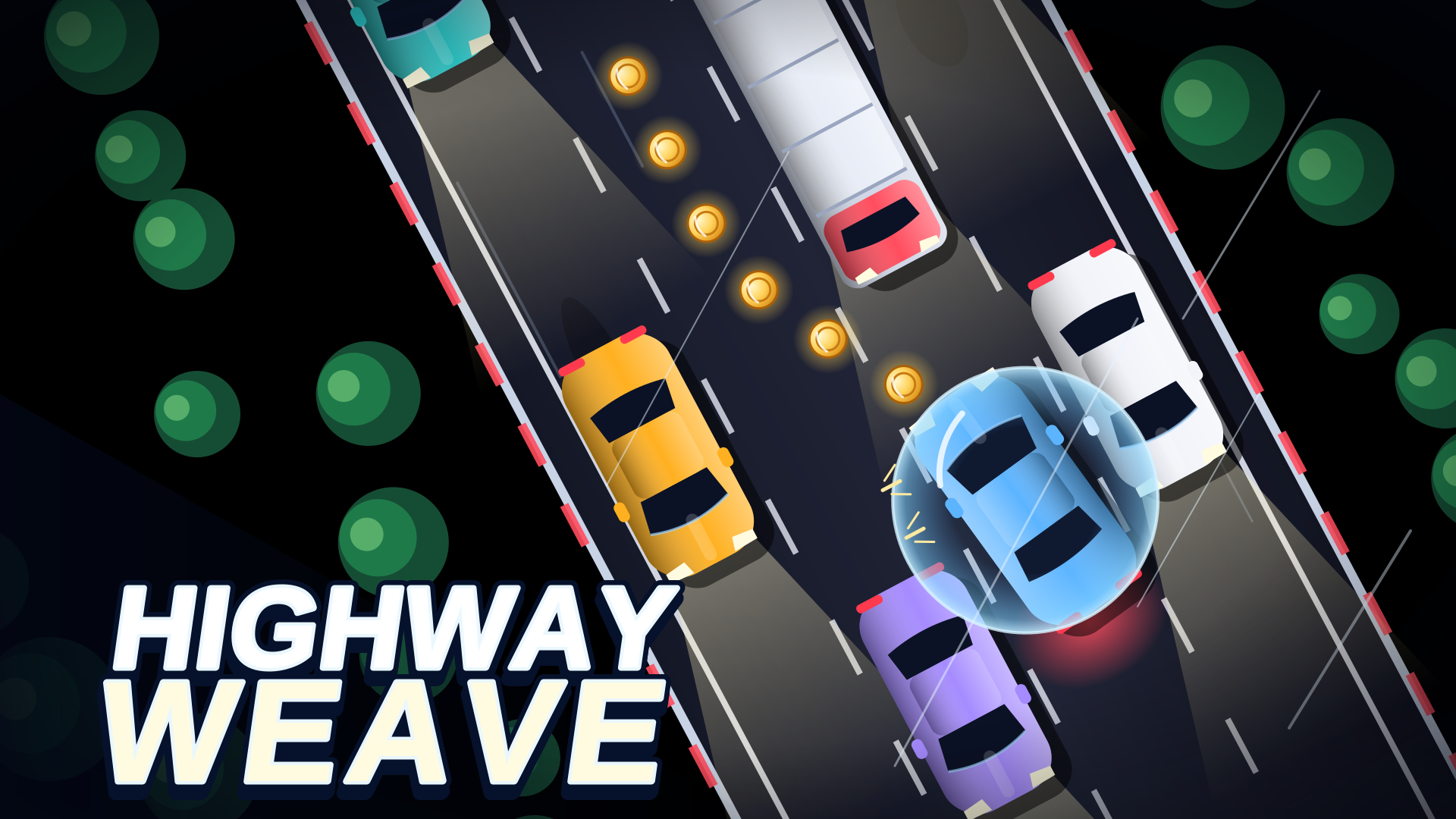
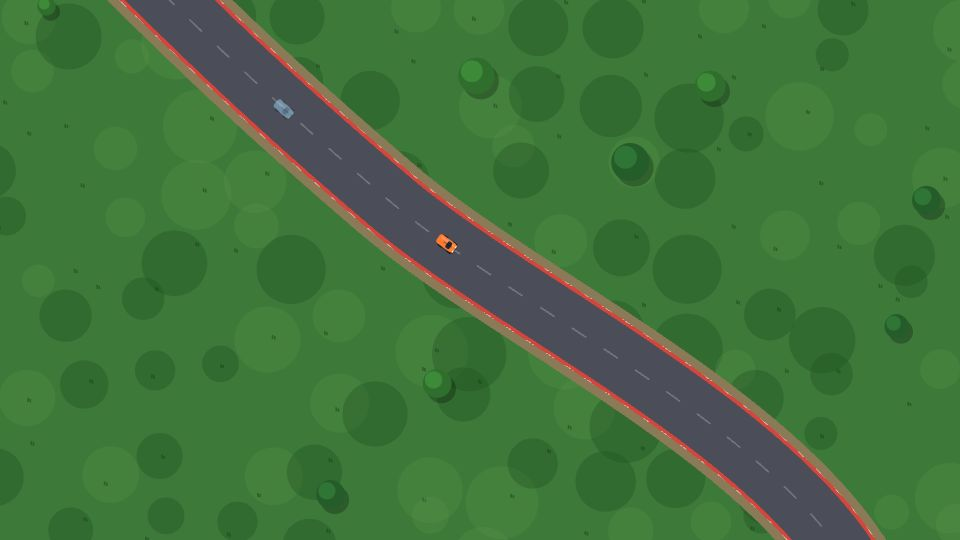
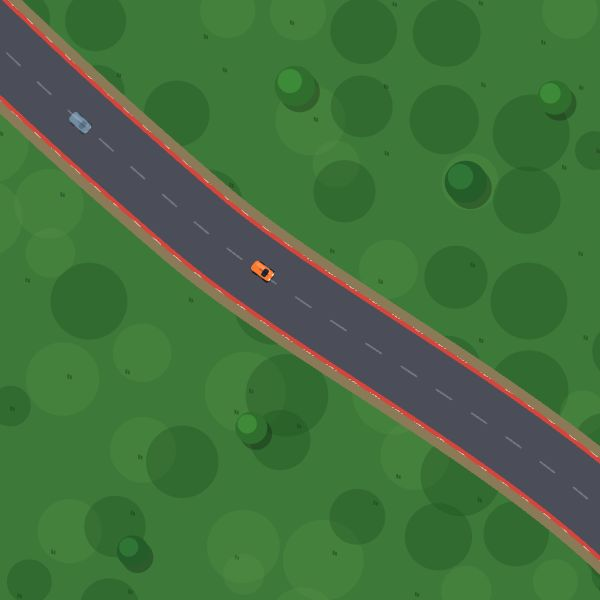
A top-down time-trial racer on seeded circuits: drift through the bends, beat the ghost of your best lap and set the week's fastest lap.
- Works on phone
- Saves progress
- Released
- Version 1
- Works on
- Browser (desktop, mobile, tablet)
Driftlace game guide
How to play Driftlace
- Keyboard and mouse
- Touch
- Choose the Weekly Circuit or one of the twelve circuits.
- Wait for the countdown; the car accelerates by itself.
- Steer through the bends and brake before the tight ones.
- Drive three laps and beat your best lap.
Controls
- Keyboard: Left / Right ←↑↓→ (or AD) steer, ↓, S or Space brakes
- Touch / mouse: hold the left or right side of the screen to steer, hold both sides to brake
- Drift: brake while you steer at speed
- P / ESC: pause, M: mute
Driftlace tips and strategy
- Bronze leaves room for mistakes. The gold time on each circuit is worked out as the fastest lap the car can drive through every bend. Silver allows 9% more than that and bronze 22% more. To open the next circuit you only need bronze, so drive a clean, steady lap first and chase gold later.
- Drift only at speed. Braking and steering together starts a drift only when you are moving fast and steering firmly. In a drift the car turns about a third more sharply and loses only a little speed, far less than a full brake. At low speed the same input is just a brake.
- Drift with two thumbs on a phone. Hold the side you are turning towards, then press the other side with your second thumb. Your first thumb keeps steering and the second one brakes, which is exactly the brake-and-steer input that starts a drift.
- Brake before the bend, not in it. The faster the car goes, the less sharply it turns. A bend that is easy at medium speed can push you wide at top speed. Scrub off speed in a straight line, then turn in.
- Get off the grass fast. On grass the car's top speed drops to less than half, and it slides more. If you run wide, steer straight back to the track instead of following the bend on the grass.
- No shortcuts. A lap counts only after you pass every checkpoint around the circuit in order. Cut out part of the track and crossing the line does not end the lap: the clock just keeps running.
- Race the newest ghost. As soon as you beat your record, the ghost switches to that lap, even mid-session. On the Weekly Circuit every session gives you three tries at your best lap, and the week resets on Monday at 09:00 UTC.
About Driftlace
Driftlace is a top-down time-trial racer. The throttle is automatic, so the whole game is in your steering and your braking: brake too early and you lose time, too late and you slide wide onto the grass, where the car crawls. Brake while you turn at speed and the tail swings out into a drift that carries you round the bend.
Each session is three laps. Your fastest lap on every circuit is kept with its ghost, a see-through car that replays that lap while you drive, and a split time at each sector tells you whether you are ahead of it or behind.
There are twelve circuits, each generated from its own seed, with gold, silver and bronze lap times. Set a bronze lap to open the next circuit. The Weekly Circuit is a new track every week, and your fastest lap of the week on it goes on the weekly leaderboard when you are signed in, where the lowest time wins.
Tips
- Look at the minimap before a bend: the tighter it looks, the earlier you should brake.
- A short brake while steering is enough to start a drift. Let go of the brake to straighten up.
- The kerbs are part of the track, the grass is not. Cutting across the grass is always slower.
- The first lap starts from a standstill, so your best lap is usually the second or the third.
- Watch the split after each sector: green means you are ahead of your ghost.
Details
- Technology
- HTML5
- Orientation
- Landscape or portrait
- Languages
- English
- Features
- Leaderboards · Saves progress · Works on iPhone and iPad
- Controls
- ←
- ↑
- ↓
- →
- A
- D
- Space
- ESC
Driftlace features
- Twelve circuits and a Weekly Circuit. Each circuit is generated from its own seed, so it is the same track every time you play it. The Weekly Circuit is a new track each week.
- Medals that open circuits. Every circuit has gold, silver and bronze lap times shown on the start line. A bronze lap opens the next circuit, and the Circuits list shows your best time and medal on each.
- Ghost and split times. Your record lap on each circuit is saved with a ghost car that replays it. Checkpoints split the lap into twelve sectors, and the split at each one shows whether you are ahead or behind.
- Weekly leaderboard. When you are signed in, your fastest lap of the week on the Weekly Circuit is ranked, and the lowest time wins.
- Two controls to master. The throttle is automatic, so you only steer and brake. Brake while you steer at speed to drift, and keep off the grass, where the car slows right down.
- Keyboard or touch. Use the arrow keys or A / D with Down, S or Space, or hold the sides of the screen. It plays in portrait and landscape, and the camera pulls back as you speed up so you can see the next bend.
- Saved records. Best laps, medals, ghosts and open circuits are kept in your ZokoGames save, in your browser and in the cloud.
- Comfort settings. The game pauses by itself when you switch tabs, shows fewer dust effects when your device asks for reduced motion, and its text is available in 25 languages.
Questions about Driftlace
Do I need to accelerate?
No. The car accelerates by itself. You only steer and brake, and braking while you steer at speed starts a drift.
What is the ghost?
A see-through car that replays your best lap on that circuit. It is saved with your best time, so you can race it again later.
How do I open more circuits?
Set a lap at or under the bronze time on a circuit to open the next one. The medal times are shown on the start line.
How does the leaderboard work?
Your fastest lap of the week on the Weekly Circuit is ranked, in minutes, and the lowest time wins. The Weekly Circuit changes when the leaderboard week resets.
Can I play on a phone?
Yes. Hold the left or right side of the screen to steer and both sides to brake. It works in portrait and landscape.
Updates
Version 1Live now
Version 1Live now
Version 1Live now
Version 1Live now
Version 1Live now
Every update passes our automatic build checks before it goes live.
Play on your phone
Point your phone camera at the code to open this game there.