Thimble Burrow
by ZokoGames Studio
Play nowStarts in your browserNo download needed
Early learning for ages 3 to 7: counting, numbers in order, first sums, shapes and colours, letters and a colouring book, with Bimble and Pip. No ads, no time limits.
- Works on phone
- Saves progress
- Released
- Version 1
- Works on
- Browser (desktop, mobile, tablet)
Thimble Burrow game guide
How to play Thimble Burrow
- Keyboard and mouse
- Touch
- Tap Play, then tap a picture to choose an activity.
- Listen to the instruction or tap the speaker to hear it again. Tap the hand to see how it is done.
- Tap an answer. In counting and sorting you can also drag apples and shapes.
- Finish six items to win a sticker. The book on the home screen opens the sticker album.
- Colouring: choose a picture, pick a colour and tap a part of the picture. Switch to stickers to stamp them on.
- Grown-ups: press and hold the lock for three seconds to open the parent corner.
- Keyboard: ←↑↓→ move between buttons, Space or Enter taps, H shows how, R repeats the instruction.
Thimble Burrow tips and strategy
- Play alongside at first. Sit with your child for the first rounds. Tap the hand to see how an activity works, and let your child do the tapping.
- Let wrong answers be fine. A wrong tap only makes the button wiggle. After a second try the right answer lights up and your child taps it, so there is nothing to lose and no reason to hurry.
- Keep sessions short. Each round has six items and ends with a sticker. One or two rounds a day, at times your child enjoys, is plenty.
- Let the level find itself. After four right answers out of five an activity moves up, and after three misses out of four it moves back down. If you prefer, fix one level for every activity in the parent corner.
- Count real things too. After the apples, count the stairs, the spoons or the steps to the door. The pictures in the game and the world around your child practise the same idea.
- Use read-aloud as a helper. The device reads each instruction, and your child can tap the speaker to hear it again. You can switch it off in the parent corner.
- Finish with colouring. The colouring book has 20 pictures, 13 colours and 12 sticker stamps, and it is a calm way to end a session. Finished pictures are kept in a small gallery.
About Thimble Burrow
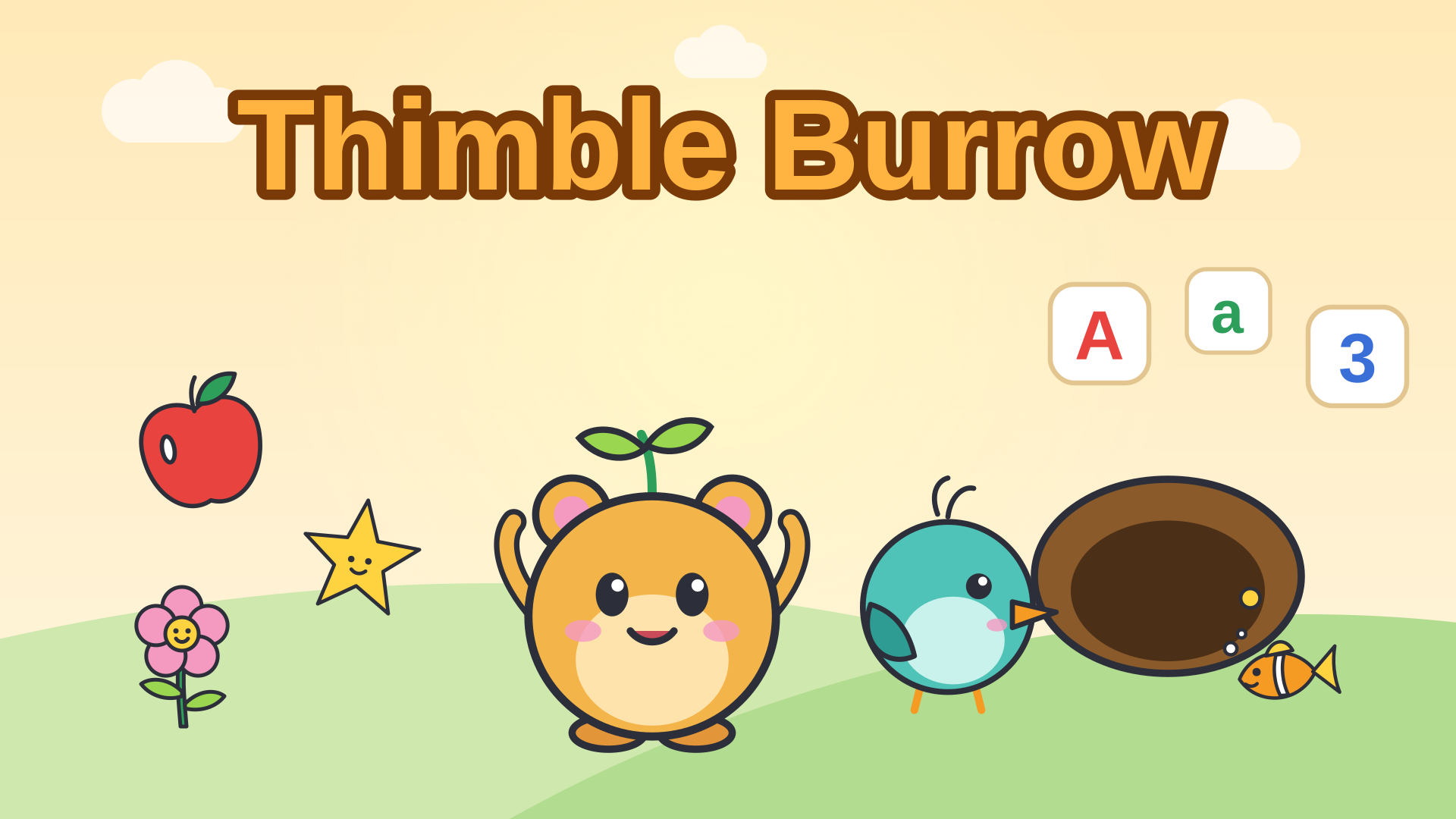
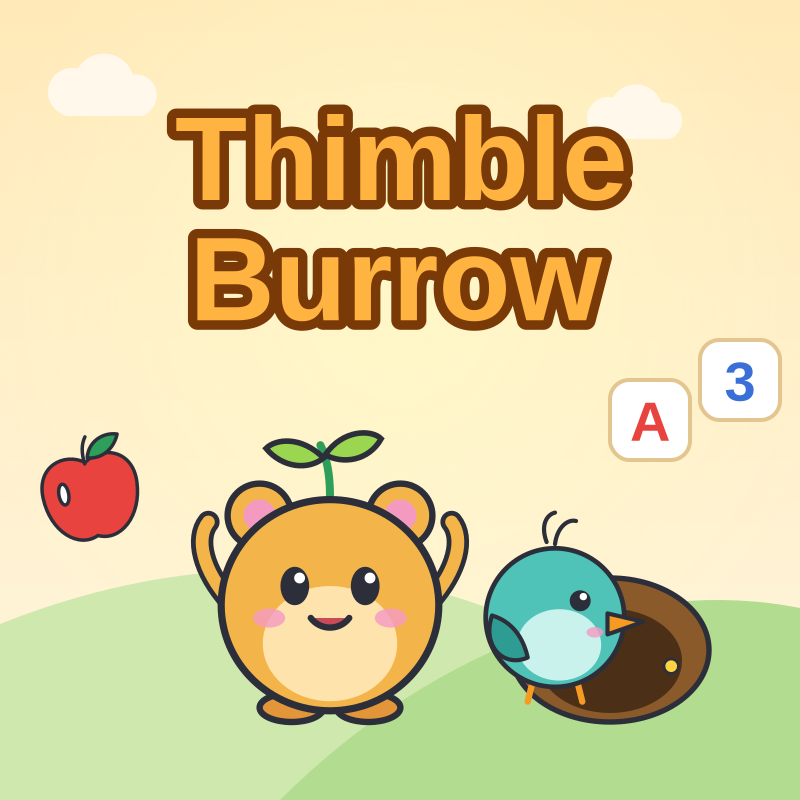
Thimble Burrow is a set of six gentle learning activities for children aged about 3 to 7. Bimble, a honey-coloured burrow friend, and Pip, a little teal bird, guide your child through short rounds of counting, number order, first sums, shapes and colours, letters and colouring. Every screen uses large picture buttons, a short instruction that can be read aloud, and an animated hand that shows what to do, so a child who cannot read yet can still play alone.
The activities
- Counting: how many apples, ducks or stars are there, and give Bimble a number of apples by tapping or dragging them into the basket. Numbers 1 to 5, then 1 to 10, then up to 20.
- Numbers in order: find the missing number, choose the group with more or fewer, and hop along a number line with Pip.
- First sums: add and take away with pictures you can see, within 5, 10 and 20. There is never a timer.
- Shapes and colours: eight shapes, matching, sorting into houses, finding the odd one out, and finishing AB, ABB and ABC patterns.
- Letters: big and small letters, finding a letter, and the first letter of a pictured word, written for each language's own alphabet (English, Spanish, German, French, Portuguese, Italian, Dutch, Polish, Russian, Ukrainian, Turkish, Indonesian, Swedish, Norwegian, Danish and Finnish).
- Colouring: 20 line pictures to fill with a tap, 13 colours and an eraser, undo, clean, and 12 sticker stamps. Pictures are saved and shown in a small gallery.
Made to be calm
There are no fail states. A wrong tap makes the button wiggle and invites another try; after a second try the right answer is shown and the child taps it. Each round has six items and ends with a sticker for the album, with no streaks, timers or scarcity. Difficulty adapts on its own: after mostly right answers an activity moves up a level, and after a few misses it moves back down.
For parents
A parent corner sits behind a three-second press and a multiplication question. In it you can fix the level for all activities, switch activities off, turn read-aloud on or off, use a colour-blind friendly palette and see progress for each activity. Shapes and colours always carry a pattern or symbol as well as a colour. The game works with a keyboard or switch, supports screen readers and respects reduced-motion settings.
Thimble Burrow shows no ads, asks for no purchases, has no chat, no links and no leaderboards, and never records audio. Progress, stickers and pictures stay in the game's own save.
Details
- Technology
- HTML5
- Orientation
- Landscape or portrait
- Age rating
- All ages
- Languages
- English
- Features
- Saves progress · Family friendly · Works on iPhone and iPad
- Controls
- ←
- ↑
- ↓
- →
- Space
Thimble Burrow features
- Six early-learning activities. Counting, numbers in order, first sums, shapes and colours, letters and a colouring book, with Bimble and Pip.
- Made for ages 3 to 7. Every activity has three levels, from numbers up to 5 and simple shapes to numbers up to 20, sums within 20 and three-part patterns.
- No reading needed. Big picture buttons, a short instruction that can be read aloud, and an animated hand that shows what to do.
- Calm by design. No timers, lives, streaks or scores to lose. A wrong tap invites another try, and a sticker ends every round of six.
- No ads, nothing collected. No ads of any kind, no purchases, no chat, no links to other sites and no leaderboards. Nothing about your child is collected and the microphone is never used. Progress, stickers and pictures stay in the game's own save.
- Letters in 16 languages. The letters activity follows each language's own alphabet and words in English, Spanish, German, French, Portuguese, Italian, Dutch, Polish, Russian, Ukrainian, Turkish, Indonesian, Swedish, Norwegian, Danish and Finnish. In other languages it is hidden and the other five activities are fully translated.
- Colouring book. 20 line pictures, 13 colours, an eraser, undo, clean, 12 sticker stamps and a small gallery.
- A parent corner. Behind a three-second press and a multiplication question: fix the level, switch activities off, turn read-aloud on or off, use a colour-blind friendly palette and see progress for each activity.
- Easy to use for everyone. Works with touch, mouse, keyboard or switch, supports screen readers and respects reduced-motion settings. Works offline once loaded.
Questions about Thimble Burrow
What age is Thimble Burrow for?
It is made for children from about 3 to 7. Each activity has three levels: the first starts with numbers up to 5 and simple shapes, the third reaches numbers up to 20, sums within 20 and three-part patterns.
Does my child need to read?
No. Every task uses pictures, a short instruction that can be read aloud by the device, and an animated hand that shows what to do. Read-aloud uses the device's own voices and can be switched off in the parent corner.
Are there ads or purchases?
No. Thimble Burrow shows no ads of any kind, has no purchases, no chat, no links to other sites and no leaderboards. Nothing about your child is collected, and the microphone is never used.
What happens when my child picks a wrong answer?
Nothing bad. The button wiggles and your child can try again. After a second try the right answer lights up, and your child taps it to carry on. There are no timers, lives or scores to lose.
How does the difficulty change?
Each activity moves up a level after four right answers out of the last five and moves back down after three misses out of the last four. In the parent corner you can fix one level for all activities instead.
Which languages have the letters activity?
Letters follow each language's own alphabet and words in English, Spanish, German, French, Portuguese, Italian, Dutch, Polish, Russian, Ukrainian, Turkish, Indonesian, Swedish, Norwegian, Danish and Finnish. In other languages the letters activity is hidden and the other five activities are fully translated.
Updates
Version 1Live now
Every update passes our automatic build checks before it goes live.
Made for kids
Rated for all ages. Every game suggested on this page is a kids game too.