Cobble Canvas
by ZokoGames Studio
Play nowStarts in your browserNo download needed
Cobble Canvas
A calm jigsaw table: 36 hand-made pictures in six collections, cut into 12 to 216 pieces, with rotation mode, a daily puzzle and saved games.
- Works on phone
- Saves progress
- Released
- Version 1
- Works on
- Browser (desktop, mobile, tablet)
Cobble Canvas game guide
How to play Cobble Canvas
- Keyboard and mouse
- Touch
- Choose the Daily puzzle or a picture from a collection, then the number of pieces.
- Drag pieces from the tray onto the table.
- Drop a piece close to a neighbour to join them; groups move as one.
- Fix groups to the board where they belong until the picture is complete.
Controls
- Touch: drag pieces; pinch to zoom; drag the empty table with one or two fingers to pan; double-tap to zoom in on a spot. Swipe along the tray to scroll it. In rotation mode, tap a piece to turn it.
- Mouse: drag pieces; the wheel zooms; drag the empty table to pan; right-click turns a piece; double-click zooms in.
- Keyboard: N or ] picks the next piece or group, [ the previous one; ←↑↓→ move it (Shift for small steps); R turns it; Enter or Space drops it; J lists its neighbours and puts them together. E edges, C colours, S scatter, T tidy, G ghost, V peek, + and - zoom, 0 fits the board, Z zooms to the selected piece.
- P / ESC: pause, M: mute
Accessibility
- The whole game can be played with the keyboard, with a visible outline on the selected piece and screen reader announcements such as "Joined, group of 7; 31 of 48 placed."
- The neighbour list (J) names the pieces that belong right next to the selected one and joins them for you.
- Assist mode makes snapping stronger and outlines the edge pieces. High-contrast outlines, five table colours and reduced motion are in Settings.
Cobble Canvas tips and strategy
- Start with the edges. Switch the tray to edges only: the straight-sided pieces build the frame, and the rest of the picture grows inwards from it.
- Sort by colour. Use the colour sort so the sky, the water and the grass sit together in the tray, then work on one area at a time.
- Build islands. Join pieces into small groups wherever you find them. Groups move as one, and you can join them later.
- Use the ghost and peek. A faint picture on the board, or the picture in a corner, shows where a group belongs. It does not count against you.
- Try Scatter and Tidy. Scatter spreads every loose piece around the board so you can see them all, and Tidy puts the loose single pieces back in the tray.
- Ask for neighbours. With the keyboard, J lists the pieces that belong right next to the selected one and puts them together for you.
- Grow in steps. Learn a picture at 12 or 24 pieces, then try 48, 96, 150 and 216. Rotation mode adds a new twist once you are comfortable.
About Cobble Canvas
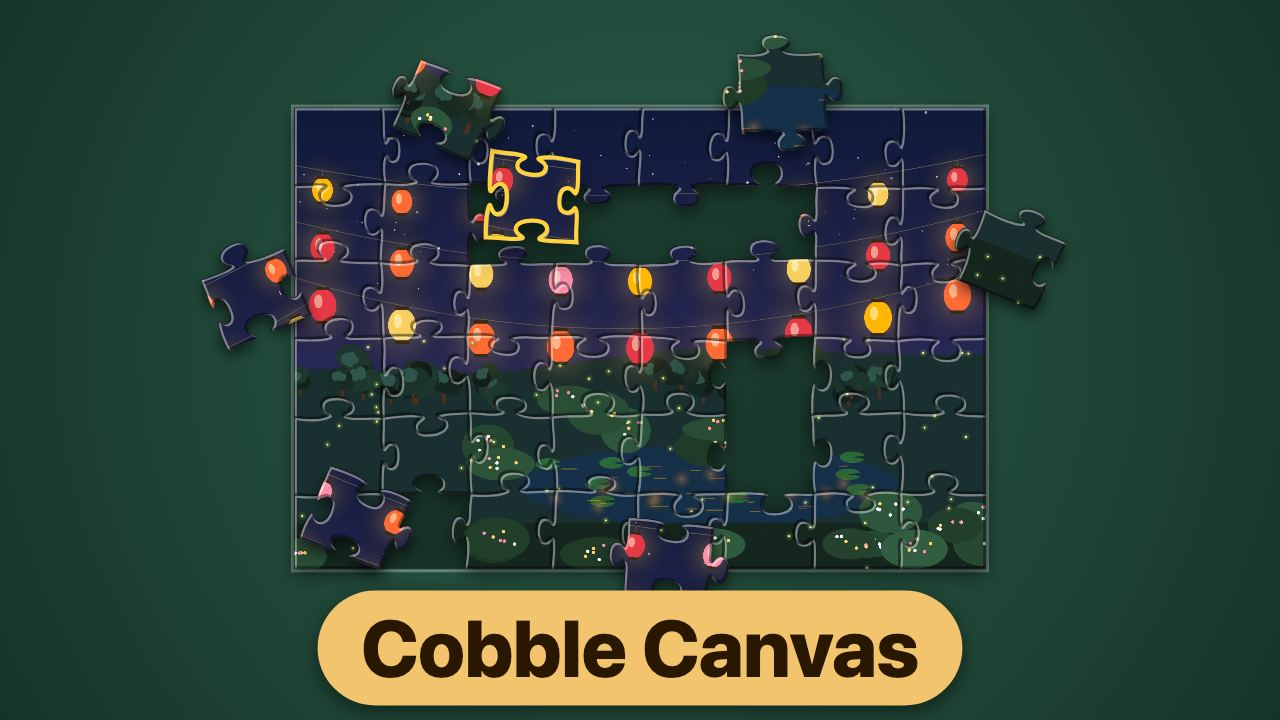
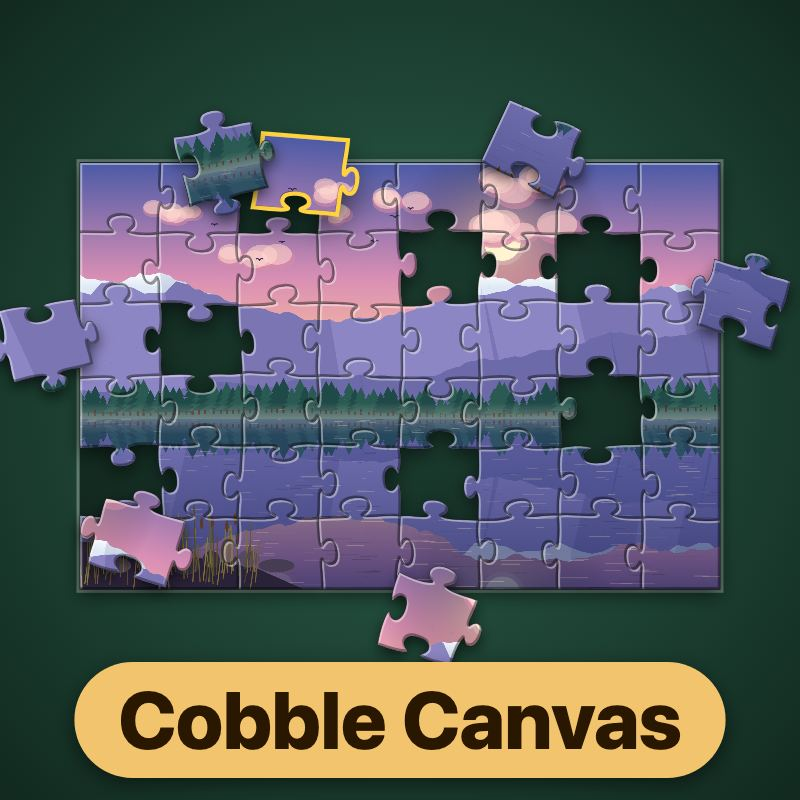
Cobble Canvas is a jigsaw puzzle table for quiet minutes and long evenings. Every picture is painted for the game, from a dawn lake under snowy peaks to a coral reef, a lantern garden, a fairground at night and a stained-glass window. Pick a picture, choose how many pieces you want, and put it back together on the table.
Each puzzle is cut fresh: the pieces have rounded tabs and blanks that change a little from piece to piece, and the outer pieces have straight edges. Drag pieces out of the tray, drop them next to the pieces they belong with and they click together. Joined pieces move as one group, and a group that sits where it belongs is fixed to the board. The picture is complete when every piece is joined.
Collections and sizes
- Six collections: Valleys and Peaks, By the Water, Town and Fair, House and Garden, Wild Friends and Patterns, six pictures in each.
- Six sizes: 12, 24, 48, 96, 150 or 216 pieces. Each picture remembers which sizes you have solved and your best time for each.
- Rotation mode: pieces start turned in quarter turns. Tap a piece to turn it; pieces only join when they face the same way.
Daily puzzle
Every day (UTC) there is one picture and one cut that is the same for everyone. Solve it to keep your daily streak going; the calendar shows the last five weeks.
Saved games
The table is saved as you play, exactly as you left it, including the tray order and every group on the table. Up to eight unfinished puzzles are kept; starting a ninth removes the oldest.
Tools
- Edges: show only the edge pieces in the tray, the classic way to start.
- Colours: sort the tray by colour so the sky and the grass sit together.
- Scatter and Tidy: spread every loose piece around the board, or put the loose single pieces back into the tray.
- Ghost and Peek: a faint picture on the board, or the picture in a corner.
Details
- Technology
- HTML5
- Orientation
- Landscape or portrait
- Languages
- English
- Features
- Saves progress · Works on iPhone and iPad
- Controls
- ←
- ↑
- ↓
- →
- Enter
- Space
- ESC
Cobble Canvas features
- 36 pictures, six collections. Valleys and Peaks, By the Water, Town and Fair, House and Garden, Wild Friends and Patterns, all drawn for the game.
- Six sizes. 12, 24, 48, 96, 150 or 216 pieces. Each picture remembers which sizes you have solved and your best time for each.
- A fresh cut every time. Rounded tabs and blanks that vary from piece to piece, with straight edges on the border pieces.
- Pieces that click. Only true neighbours join, joined pieces move as one group, and a group in its place is fixed to the board.
- Rotation mode. Pieces start turned in quarter turns, and only join when they face the same way.
- Daily puzzle. The same picture and the same cut for every player each UTC day, with a streak and a five-week calendar.
- Exact saved tables. The table is saved as you play, including the tray order and every group. Up to eight unfinished puzzles are kept.
- Tools for the tray. Edges only, colour sort, Scatter, Tidy, ghost and peek, and zoom by pinch or wheel.
- Play any way you like. Touch, mouse or keyboard, in portrait or landscape, with neighbour announcements for screen readers and an Assist mode with stronger snapping.
- Works offline. Every picture is drawn by the game, so nothing more needs downloading once it has loaded.
Questions about Cobble Canvas
How many pictures are there?
Thirty-six, in six collections of six. Every picture can be played at six sizes, from 12 pieces to 216, with or without rotation, so there are hundreds of different puzzles before the daily puzzle is counted.
Is every puzzle cut the same way?
No. Each new puzzle gets a fresh cut, so the tabs and blanks fall differently every time. The daily puzzle is the exception: everyone gets the same picture and the same cut on the same UTC date.
What does rotation mode change?
Pieces start turned by a quarter, half or three-quarter turn. Tap a piece (or press R, or right-click) to turn it a quarter turn clockwise. Pieces only join when they face the same way, and only an upright group can be fixed to the board.
Will I lose my progress if I close the game?
No. The table is saved as you play, and Continue on the main menu takes you back to exactly where you were. Up to eight unfinished puzzles are kept at a time; the oldest is removed when you start a ninth.
Pieces will not snap together. What is wrong?
Only true neighbours join, and only when they face the same way. Drop the piece a little closer, check its rotation, or switch on Assist in Settings for stronger snapping. The J key lists the neighbours of the selected piece and puts them together for you.
Does it work offline and on a phone?
Yes. Every picture is drawn by the game itself, so nothing has to be downloaded once the game has loaded, and the table works with touch, mouse and keyboard in portrait or landscape.
Updates
Version 1Live now
Every update passes our automatic build checks before it goes live.
Play on your phone
Point your phone camera at the code to open this game there.