Skimwick
by ZokoGames Studio
Play nowStarts in your browserNo download needed
Skimwick
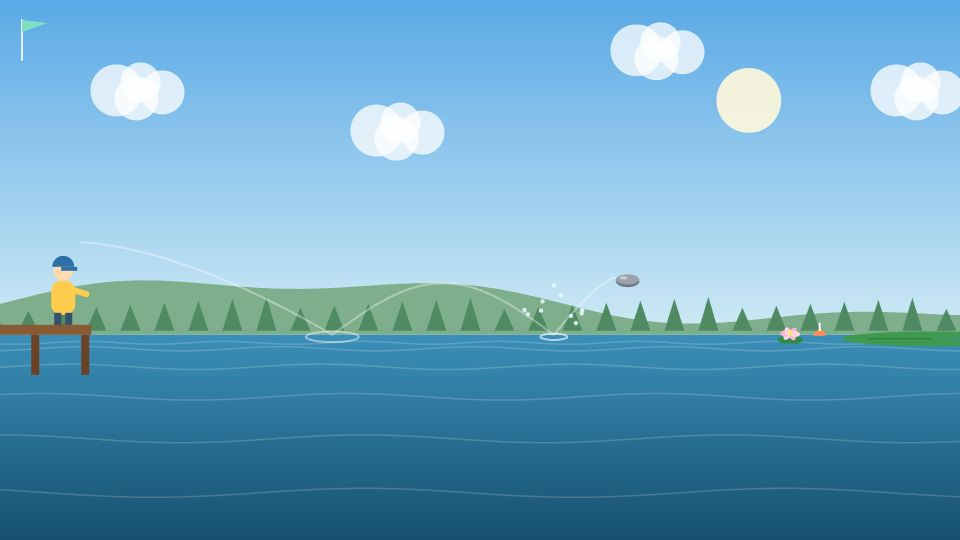
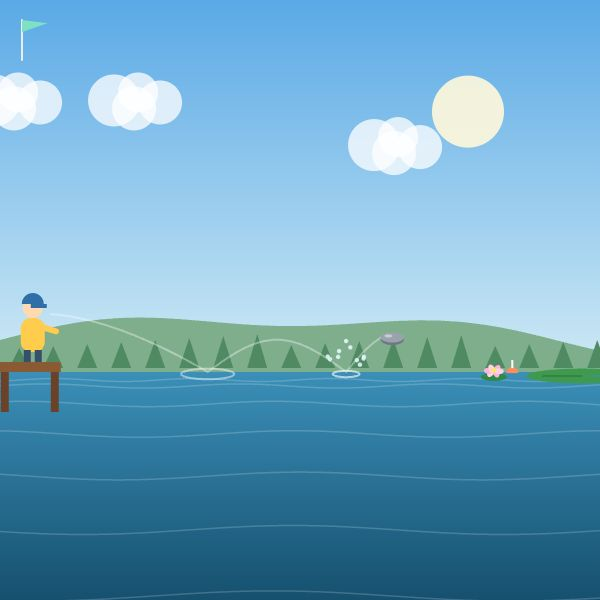
A one-button stone-skimming contest: set the angle, time the power, flick every skip and read the wind across the lake.
- Works on phone
- Saves progress
- Plays
- 3
- Released
- Works on
- Browser (desktop, mobile, tablet)
Skimwick game guide
How to play Skimwick
- Keyboard and mouse
- Touch
- Press to stop the angle needle.
- Keep holding while the power fills, and release to throw.
- Tap just before each touch on the water to flick the stone.
- Five throws make a round.
Controls
- Touch / mouse: press, hold and release anywhere; tap to flick
- Keyboard: Space, Enter, ↑ or W does the same
- P / ESC: pause, M: mute
Skimwick tips and strategy
- Only your last tap counts. Each tap replaces the one before it. If you tapped too early for a splash, tap again closer to the water: a tap within about a tenth of a second of the touch is a Perfect, and a little earlier is still Good.
- Protect the perfect chain. The first Perfect adds 2 points on top of the 3 for the skip, and every Perfect in a row adds one more, up to 8 extra on a single skip. A Good or a missed flick resets the chain, so a long run of Perfects is worth much more than the same number of mixed skips.
- Aim for the lily pads. A pad counts as a Perfect even without a tap, adds 5 more points and keeps your chain going. A stone that lands on a pad bounces on even when it comes down steeply.
- Touch down beside the water lilies. The 10-point bonus only counts when the stone touches the water within about a metre of a lily. Flying high over one earns nothing, so watch the ring and time your skips to land next to them.
- Learn the rhythm of the bars. The needle and the power bar both slow down at the ends of their swing, which makes the low angle and the full bar easier to catch than they look. Full power arrives just over half a second after you press, then fades again.
- Keep the skips flat. Every touch costs speed, and the steeper the stone meets the water, the more it loses. A stone that comes down at too sharp an angle sinks on the spot, unless it lands on a pad. The wind keeps pushing on the stone through every skip, not only on the first flight, so a headwind matters more the longer a throw lasts.
- Every skip builds your career. Career skips count from every throw, even in a weak round, so a practice round is never wasted. Slate unlocks at 60, Moonstone at 200 and Sea glass at 500, and each keeps a little more of its speed and bounce.
About Skimwick
Skimwick is a stone-skimming contest played with a single button. Press once to stop the swinging needle at a throwing angle, keep holding while the power bar swells and let go to throw. Once the stone is flying, tap again just before it touches the water to flick it into a clean skip.
A low angle and full power give the longest throws, and good timing keeps the stone skipping: a perfect flick keeps almost all of its speed, a late or missing one loses much more. Perfect skips in a row are worth extra points. Lily pads bounce the stone on for free, water lilies you skip over are worth a bonus, and the wind changes every throw, carrying the stone further or holding it back.
A round is five throws. Each throw scores its distance in metres plus points for every skip, and the round total goes on the weekly leaderboard when you are signed in. Every skip you make also counts towards your career total, which unlocks new stones that keep a little more of their bounce.
Tips
- Stop the needle inside the green band. Steep throws go straight in.
- Release at the top of the power bar: it swells and fades, so do not wait too long.
- Watch the ring on the water. Tap as it turns green.
- Late in a throw the skips come quickly. Keep tapping in rhythm.
- A tailwind adds distance. With a headwind, throw a little higher.
Details
- Technology
- HTML5
- Orientation
- Landscape or portrait
- Languages
- English
- Features
- Leaderboards · Saves progress · Works on iPhone and iPad
- Controls
- Space
- Enter
- ↑
- ESC
Skimwick features
- One button for everything. Press to set the angle, hold for power, release to throw, then tap to flick each skip. It works the same with touch, a mouse or the keyboard.
- Five-throw rounds. Each throw scores one point per metre plus points for skips, Perfect chains, lily pads and water lilies, and the round adds up all five.
- A new lake every throw. The wind changes each time, anywhere from a still day to 4 m/s either way, and lily pads and water lilies are laid out afresh across the water.
- Four stones to unlock. River pebble, Slate, Moonstone and Sea glass open with your career skips. Pick the one in hand under Stones on the start screen.
- A second chance. If a throw goes straight in on its very first touch, the game explains why, and once per round you can retake that throw instead of keeping the score.
- Records that last. Your career skips, longest throw, most skips in a throw and best round are saved in your ZokoGames save.
- Weekly leaderboard. When you are signed in, your best round total of the week is ranked against other players.
- Clear guides. A ring on the water marks where the stone will land next and turns green when a flick would be Perfect. Distance markers float every 10 metres.
- Fits your screen and settings. It plays in portrait and landscape, cuts back splashes and ripples when your device asks for reduced motion, and its text is available in 25 languages.
Questions about Skimwick
How do I throw?
With one button. Press to fix the angle, hold while the power fills and release to throw. Then tap just before each touch on the water.
How is a throw scored?
One point per metre, three points per skip, extra points for perfect skips in a row and for lily pads and water lilies. A round adds up five throws.
Why did my stone sink straight away?
It hit the water too steeply. Stop the angle needle low, inside the green band. Once per round you can retake a throw that sank on its first touch.
What do the other stones do?
They unlock with your career skips and keep a little more of their bounce on each skip. Choose one under Stones on the start screen.
Is it suitable for children?
Yes. There is no violence, no chat and nothing to buy.
Updates
Version 1Live now
Version 1Live now
Version 1Live now
Version 1Live now
Version 1Live now
Version 1Live now
Every update passes our automatic build checks before it goes live.
Play on your phone
Point your phone camera at the code to open this game there.